

Wink offers photo verification, reporting, blocking, and moderation tools, but those safeguards cannot make every profile or interaction safe. The app is for adults aged 18 and older. Before using it, understand what a verification badge means, decide what information you want to share, and know how to get help if something feels wrong.
This guide explains the controls described in Wink's public policies and help center. It also covers the limits of those controls, so you can make an informed decision about using the app.
Who Wink is for
Wink's current age guidance says the app is intended for people 18 and over. If you encounter a profile you believe belongs to someone under 18, report it. If your child is using Wink while underage, the help center directs you to support@euphorica.ai.
Wink and Wink Social are separate apps. When checking instructions, make sure you are reading the help section for the app you use. An older review or a similarly named product is not a reliable guide to your current account.
What photo verification can tell you
Wink's privacy policy describes optional photo verification using a live video process to check for a real person and a resemblance to their profile photos. It says the process requires explicit consent and that verification footage is not displayed to other users.
A photo check has a limited purpose. It does not establish someone's intentions, relationship status, or behavior when you meet. It should not be treated as a background check or a reason to ignore pressure or inconsistent stories.
Wink's verification help article also says people can chat without being verified. An absent badge does not, by itself, prove that a profile is fake. Likewise, a badge does not make a request for money trustworthy.
If you choose to verify, follow the instructions inside the app and read the consent information there. You do not need to send identity documents or a verification video to another user who says they can approve your account.
How reporting and blocking work
Use reporting to alert Wink to suspicious or harmful behavior. Use blocking when you want to prevent further contact through that account. You do not need to continue a conversation while deciding whether it is serious enough to report.
The help center describes these routes:
To report, open the three-dot menu associated with the user, choose Report, and submit the report. Follow any prompts shown in your version of the app.
To block, open the three-dot menu and choose Block user. If the person has violated the rules, submit a report as well so the concern reaches Wink.
These instructions come from Wink's reporting guide and blocking guide. Button names may differ from older help pages. If you cannot find the controls, use the support request form.
A useful report describes the conduct clearly. For example: “This account asked me to send money after I declined and then sent threatening messages.” Include the relevant account details and context requested by support. Keep evidence privately if it is safe to do so, rather than posting someone's information publicly.
If a conversation has moved to another service, use that service's reporting tools too. A block in one app does not block someone on every platform.
What moderation does and does not mean
Wink's moderation guidance describes a combination of automated tools and human review. It says content or accounts may be removed when rules are broken.
Moderation is not a guarantee that harmful content will never appear or that every report will be resolved immediately. Do not wait for an account decision before taking a step you need, such as ending contact. If there is an immediate threat to your physical safety, seek emergency help rather than relying on an app report.
Share enough to connect without sharing your routine
Your profile can show personality without revealing where someone can find you each day. “I like evening runs and live jazz” gives another person something to ask about. Your exact running route, work schedule, and apartment building add exposure without helping that first conversation.
Before uploading a photo, check the background for a home address, workplace badge, or document. Before connecting a social account, consider whether it reveals details you have deliberately left off your dating profile.
Wink's privacy policy describes collecting account and profile information, message content, usage and device information, and location-related data. It also explains sharing with service providers and other users. Review the policy's sections on sharing, retention, and your choices alongside the permissions on your phone.
Assume a recipient could save what you send. Deleting your copy of a message does not necessarily remove theirs. Keep passwords, sign-in codes, and financial information out of chats with people you are meeting.
Respond to behavior that concerns you
Someone asking for your attention is different from someone demanding access to your money or private information. Slow down if a new connection repeatedly pushes you to leave the app, disregards your boundaries, or makes an urgent financial request.
The FTC's romance-scam guidance advises against sending money or gifts to a romantic interest you have not met in person. It also warns about investment pitches and invented emergencies. If you suspect a scam, stop contact and report the account. If you already paid, contact the payment provider or bank promptly and report the incident at ReportFraud.ftc.gov.
For a closer look at suspicious behavior and the limits of checking pictures, read our guide to spotting a fake or AI-generated dating profile.
Keep control of the first meeting
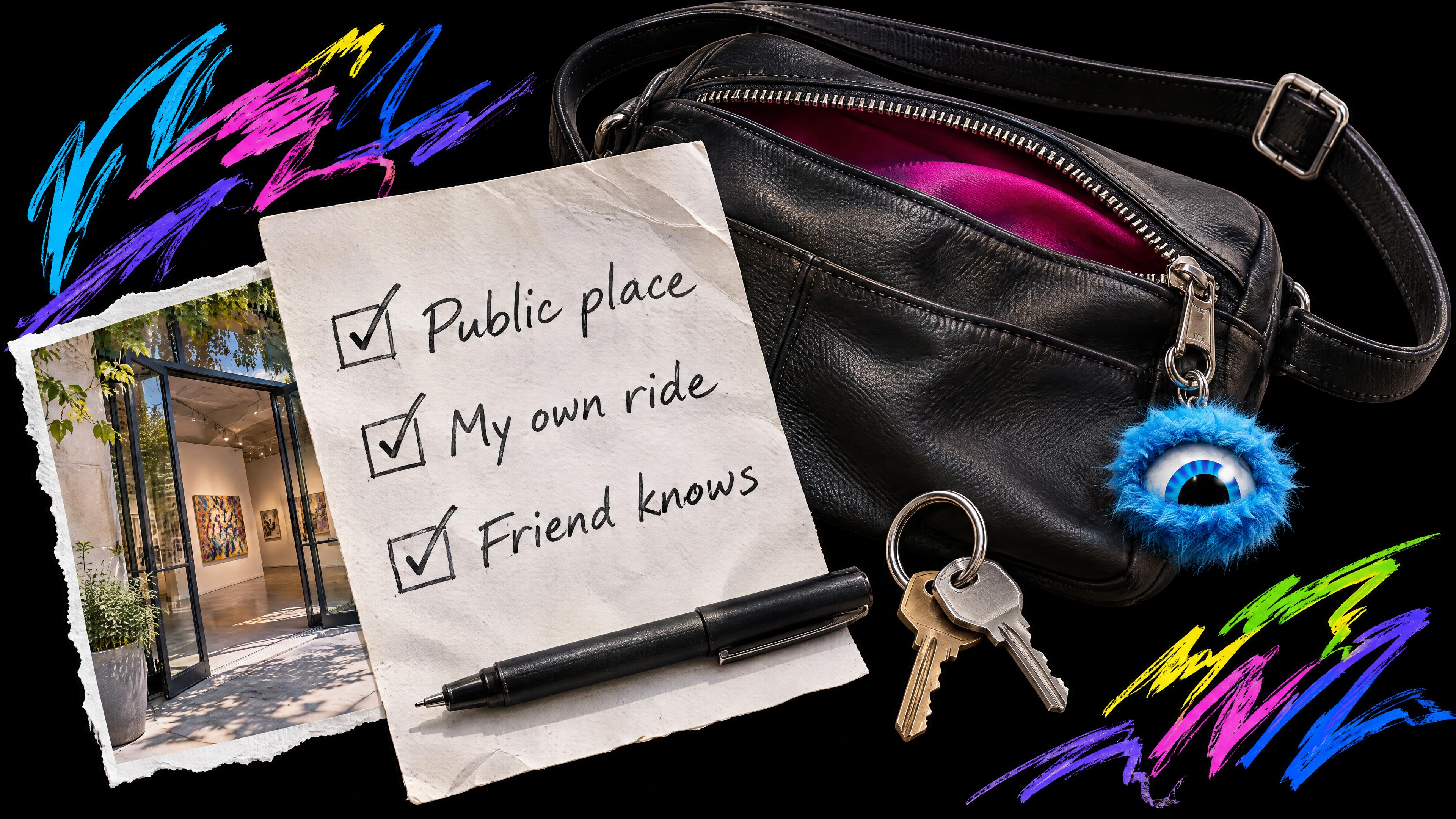
Agree on a populated public place, arrange transportation you control, and tell someone you trust about the plan. These steps follow RAINN's safer-dating guidance. You can leave if you are uncomfortable, even if the chat went well or the other person traveled to meet you. Precautions can reduce some risks; another person's misconduct is their responsibility.
If you are unsure whether to suggest meeting, our guide to how long to chat before a first date helps you think through comfort and mutual interest without imposing a countdown.
Common questions about Wink safety
Can I take a break without deleting my account
Yes. Wink's pause-account instructions describe opening your profile, going to Settings, selecting Account management, and choosing Pause account. The help page says this preserves your matches and chats while hiding your profile. Pausing is not the same as deleting your information.
Does AI confirm that someone is trustworthy
An AI suggestion cannot establish that a person will act honestly or respect your boundaries. Keep evaluating the actual interaction. You can decline a suggested connection for any reason.
Where can I get help with an account concern
Use the in-app reporting controls for a profile or incident, or submit a support request if you need account help. The current support address shown on Wink's site is support@euphorica.ai. Before getting started, review Wink's safety resources and choose the boundaries you want to keep.
👉 Download Wink to explore connection with honesty, warmth, and ease.